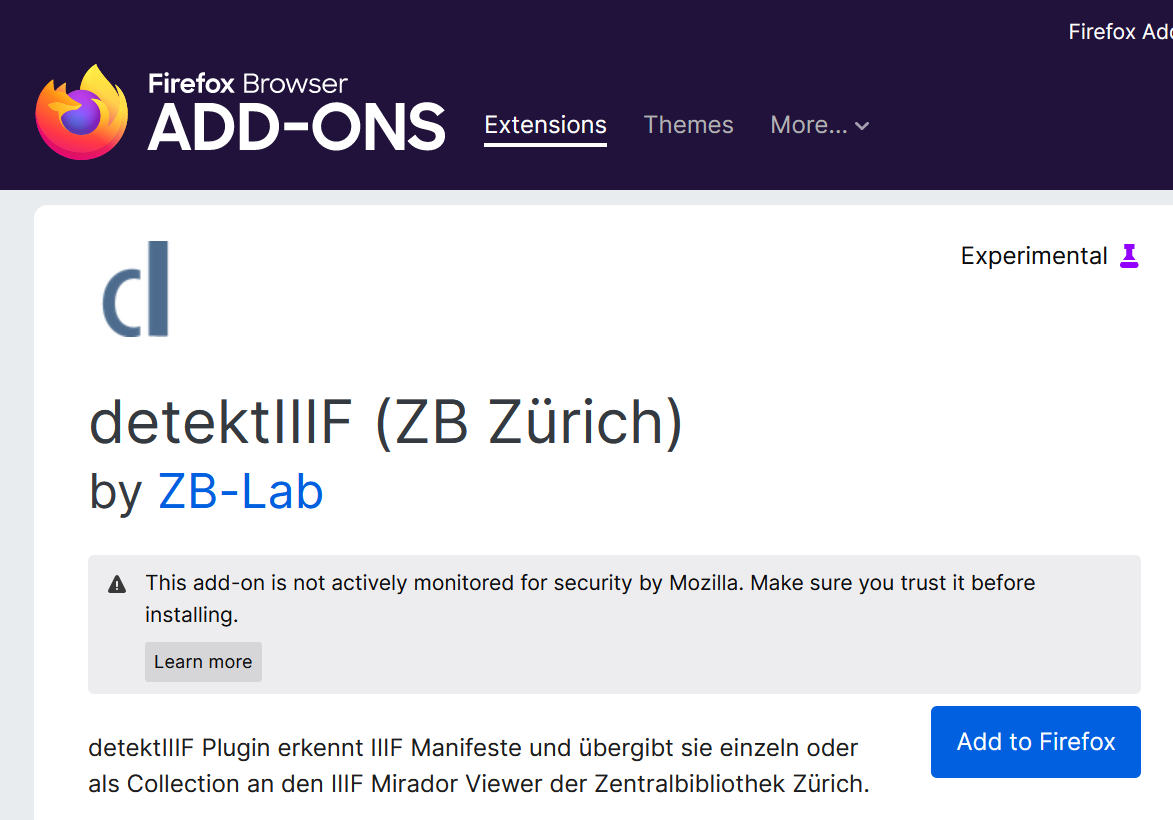
The ZB‑detektIIIF is a browser Plug-In that automatically detects IIIF‑compliant resources and thus facilitates the collection of digital images (IIIF manifests). It creates so‑called IIIF collections in JSON‑LD format.
The ZB‑detektIIIF is a browser Plug-In that automatically detects IIIF‑compliant resources and thus facilitates the collection of digital images (IIIF manifests). It creates so‑called IIIF collections in JSON‑LD format.
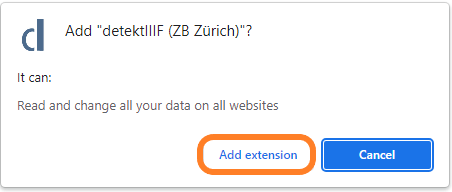
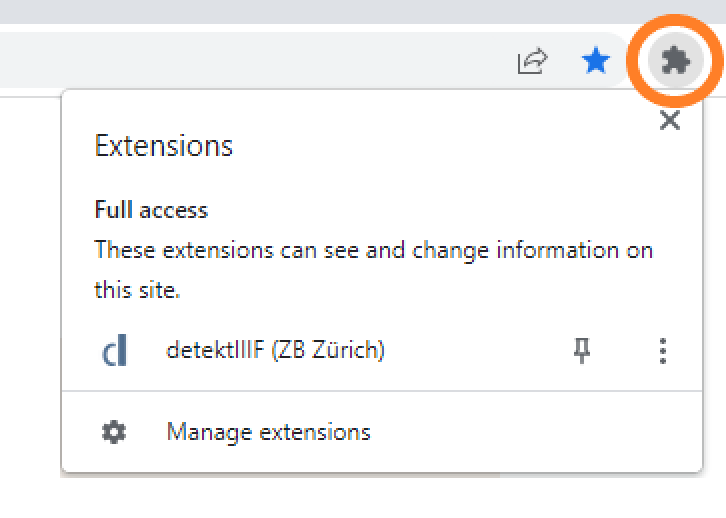
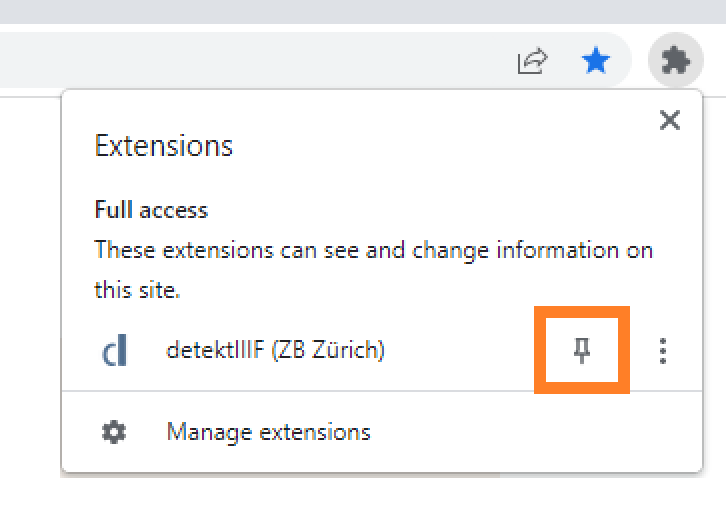
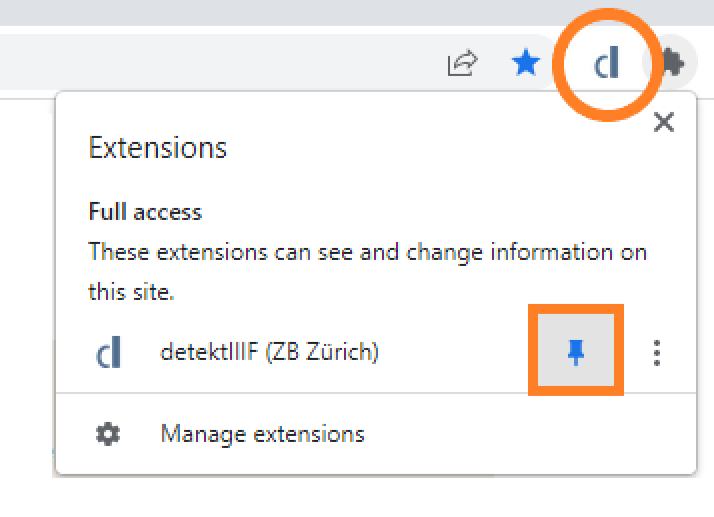
Most Chrome extensions can also be used in Microsoft Edge, as both browsers are based on Chromium.
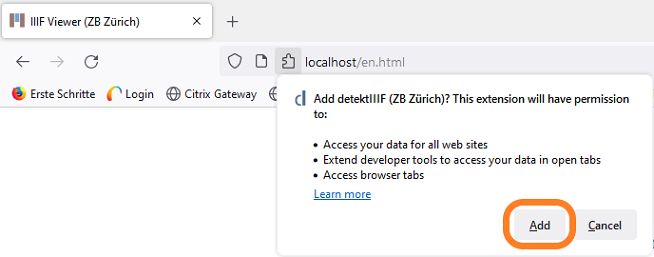
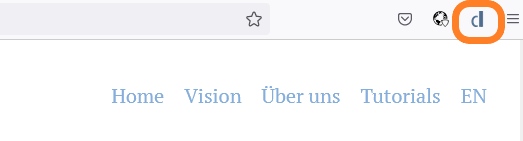
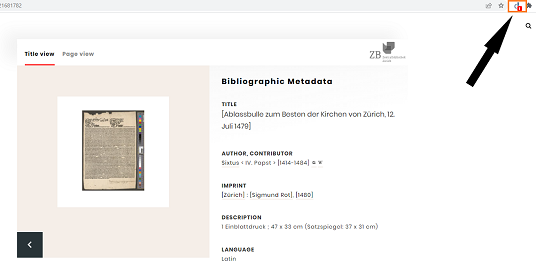
How to install the Chrome extension in Edge:IIIF‑conform digital resources are automatically detected by the
ZB‑detektIIIF.
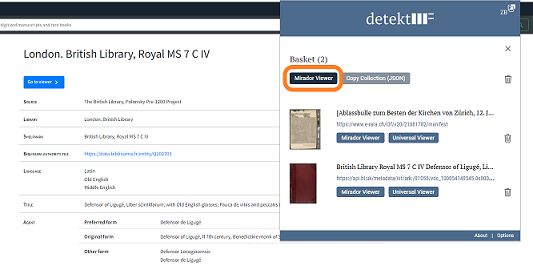
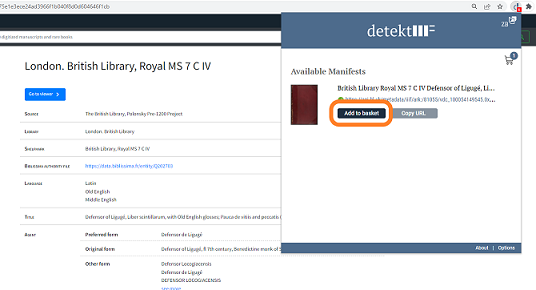
By clicking "Add to basket" you can add the resource to your IIIF
collection.
Click "Mirador Viewer" to open your IIIF collection in the
Mirador Viewer by Zentralbibliothek
Zürich.